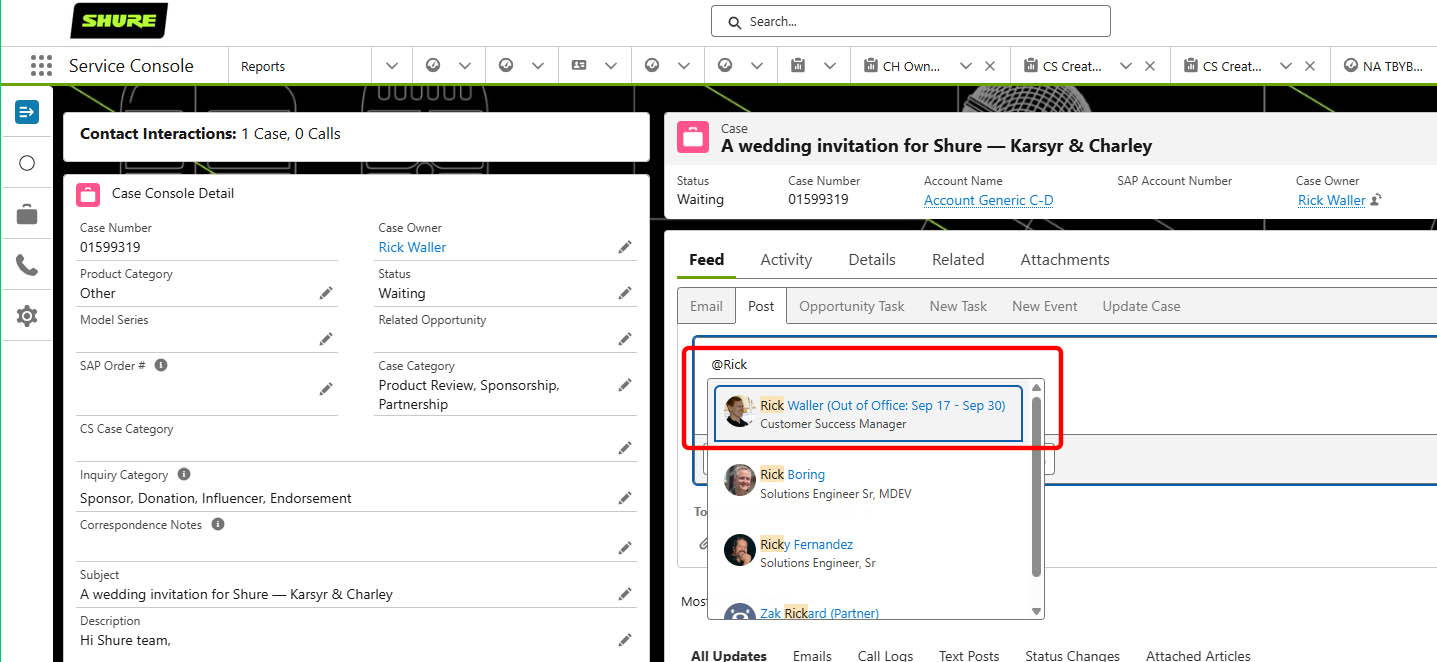
In Salesforce, can I set an Out of Office, like in Outlook?
ABSOLUTELY!!!!
- Click your profile icon in the upper right corner.
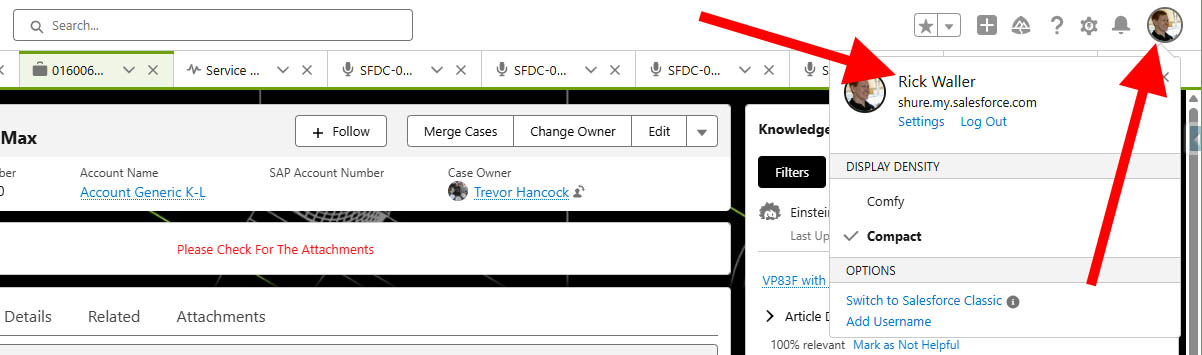
- Click your NAME to open a settings page.
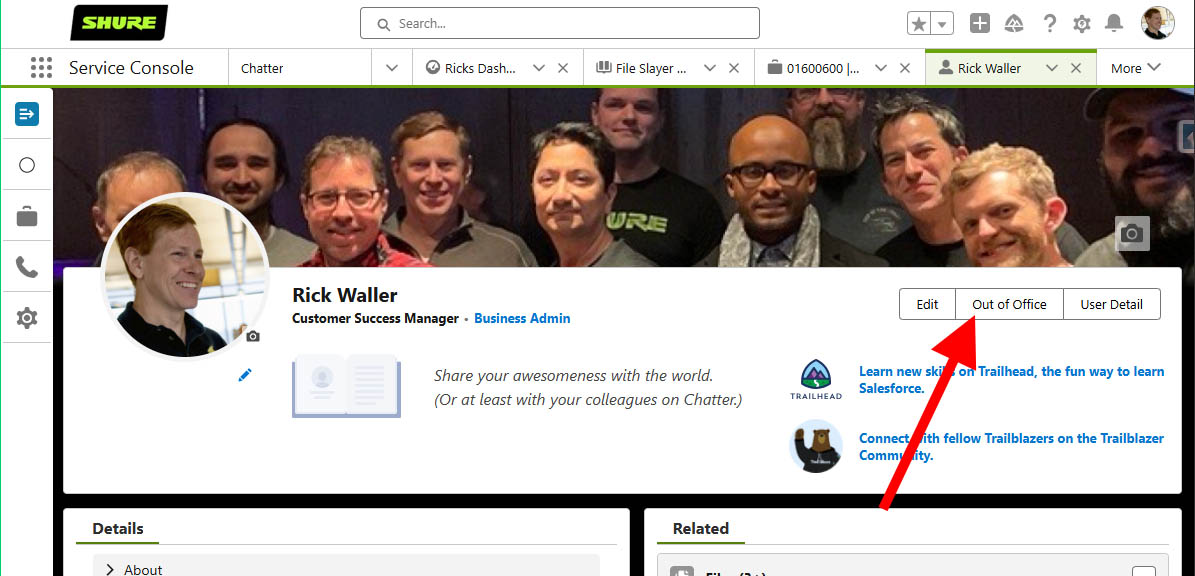
- Click the “Out of Office” button.
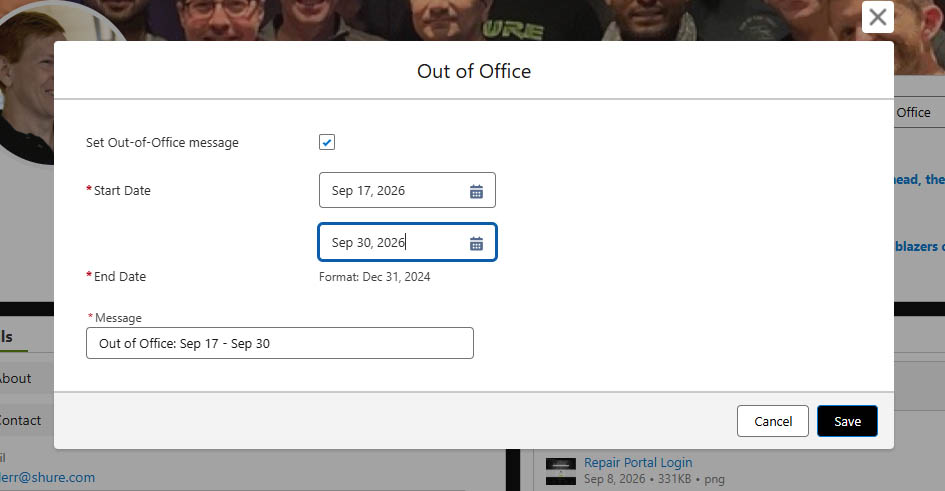
- Click the check box to enable Out of Office, enter the dates, and change the Message if desired.
- Once saved, Salesforce will display your Out of Office message next to your name in Salesforce.